How to Implement Fathom for Automated Meeting Intelligence and Workflows
Financial chaos is the silent project killer for most AI teams.
Turn financial noise into a single source of truth for AI projects
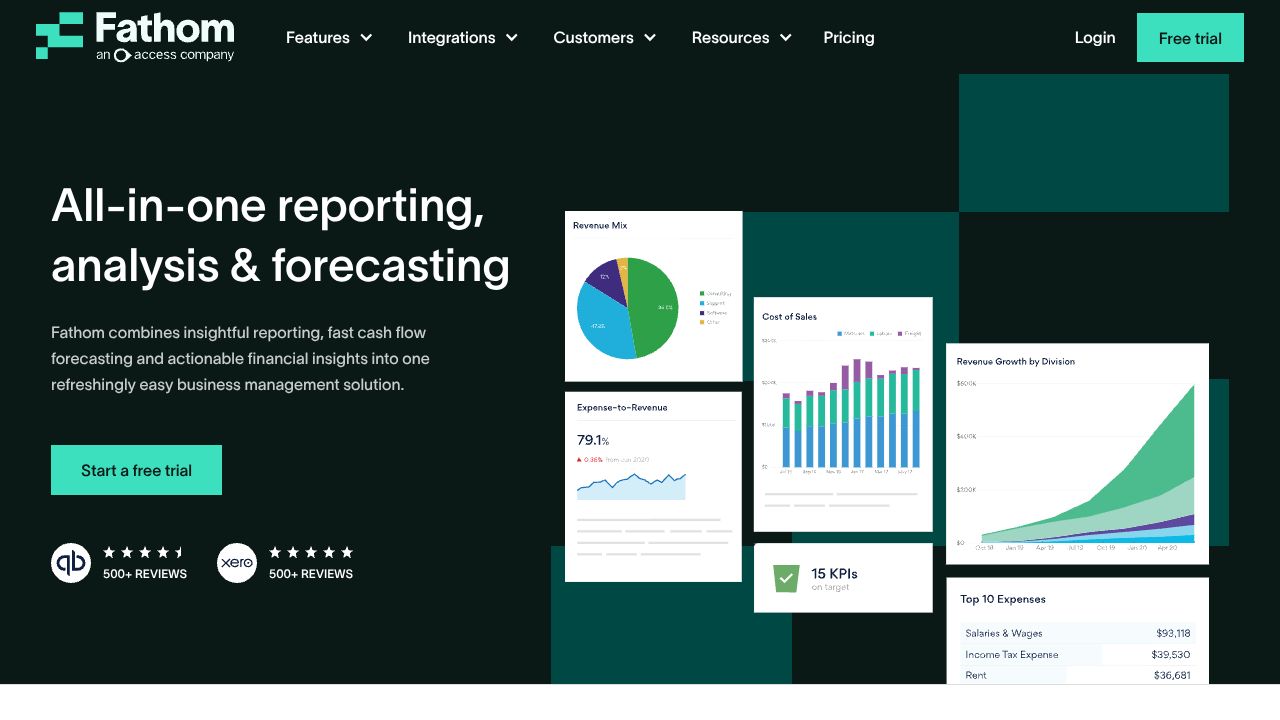
In my 15 years working at the intersection of data science and business strategy, the projects that die fastest aren’t those with weak models — they’re the ones that run out of runway or burn cash on untracked cloud compute. Fathom is designed to collapse accounting complexity (multi-entity, multi-currency, consolidations) into actionable reports and forecasts. Compared to ad‑hoc spreadsheets or siloed reporting tools, Fathom combines reporting, cash flow forecasting and consolidation in one place — useful when you need to quickly answer “how many GPUs can we afford next quarter?” or “what happens to runway if model retraining doubles?” Visit Fathom’s site to learn more: https://www.fathomhq.com
Step 1: Setting Up Your Account
- Sign up for a trial or plan. Choose the tier that matches your number of company files (Starter → Silver → Gold → Platinum). If you’re an accounting firm, consider Fathom Portfolio.
- Connect your accounting system. In practice this means authorizing QuickBooks Online, Xero, or your general ledger export. Aim for direct connector when possible to enable automatic refreshes.
- Create an organization and add company files. For multi-entity setups, create separate files for each legal entity and mark the parent group for consolidation.
- Invite users and assign roles. Fathom offers unlimited users — but in my experience, assign 2–3 power users for KPIs and report templates to avoid report sprawl.
- Map your Chart of Accounts. This is the single most important setup step: map revenue, COGS, R&D, cloud spend, and capitalized vs expensed projects so forecasts and ratios are meaningful.
- Set currencies, fiscal year and consolidation settings. Verify exchange rates and reporting currency before you run group reports.
Step 2: Core Features You Need to Know
- Unlimited brandable reports — Build one dashboard per stakeholder: CTO (compute & model ops spend), CFO (runway & burn), Head of Product (revenue vs cost to serve). Use report templates and schedule PDFs to slack or email.
- Cash flow forecasting — Create driver-based forecasts (e.g., number of training runs × cost per run). Model scenarios: baseline, accelerated retraining, or paused hiring. Export scenarios to CSV for deeper analysis.
- Multi-currency consolidations — Consolidate global subsidiaries or client portfolios and automatically apply exchange rates. Crucial when grant funding, client invoices and cloud invoices arrive in different currencies.
- Group benchmarking — Compare entities or projects (e.g., model A vs model B teams) on margins, CAC, and resource intensity to prioritize investments.
- In-depth analysis tools — Use ratio analysis, variance reports and trend lines to find early signs of cost creep (e.g., steady rise in “Cloud – Compute” as experiments scale).
Step 3: Pro Tips for Artificial Intelligence Professionals
- Map cloud and third‑party costs to dedicated GL accounts. I tell teams: treat GPU hours like inventory — tag and forecast them.
- Build driver-based forecasts keyed to model runs, dataset size, and experiment velocity. Historical trends fail when you scale experiments non-linearly.
- Separate capitalized R&D from OpEx in mappings to avoid overstating short-term burn. That’s what others won’t tell you — accounting treatment changes your runway math.
- Automate stakeholder reports. Schedule a monthly “model ops health” pack combining cash flow, compute spend variance, and project profitability.
- Use the Portfolio plan if you’re an accounting firm advising multiple AI clients — it dramatically reduces per-client setup overhead.
Common Mistakes to Avoid
- Poor COA mapping — Garbage in, garbage out. Invest time mapping accounts to Fathom’s categories.
- Ignoring driver-based forecasting — Don’t rely solely on linear historical growth for AI workloads.
- Treating consolidation as an afterthought — Set consolidation and FX rules upfront for accurate group reports.
How It Compares to Alternatives
Fathom’s strength is the combined offering: reporting + forecasting + consolidations in one workflow. Compared to simple cash-flow tools or standalone BI, Fathom avoids stitching multiple products together. Alternatives you’ll hear about (Spotlight, Float, Adaptive Insights) each have strengths — some specialize in workforce planning or pure forecasting — but few provide the unlimited users + multi-currency consolidations mix that accounting firms managing many AI clients need.
Conclusion: Is Fathom Right for You?
If you run or advise AI teams that juggle multiple entities, currencies, or client portfolios, Fathom moves financial planning from reactive to strategic. For a single‑entity shop with simple needs, it may be overkill. My recommendation: start the free trial, connect one company file, map the key cloud spend accounts, and build a 12‑month driver-based forecast — you’ll uncover opportunities (and risks) you can act on within a week. Hand-picked tools matter; use Fathom when financial clarity is the gating factor for scaling your AI work.