Stop Outsourcing Basic Edits: Use FlexClip to Decentralize Video Production
Turn Low-Lift AI Video Into a Growth Lever—Here’s Where FlexClip Fits
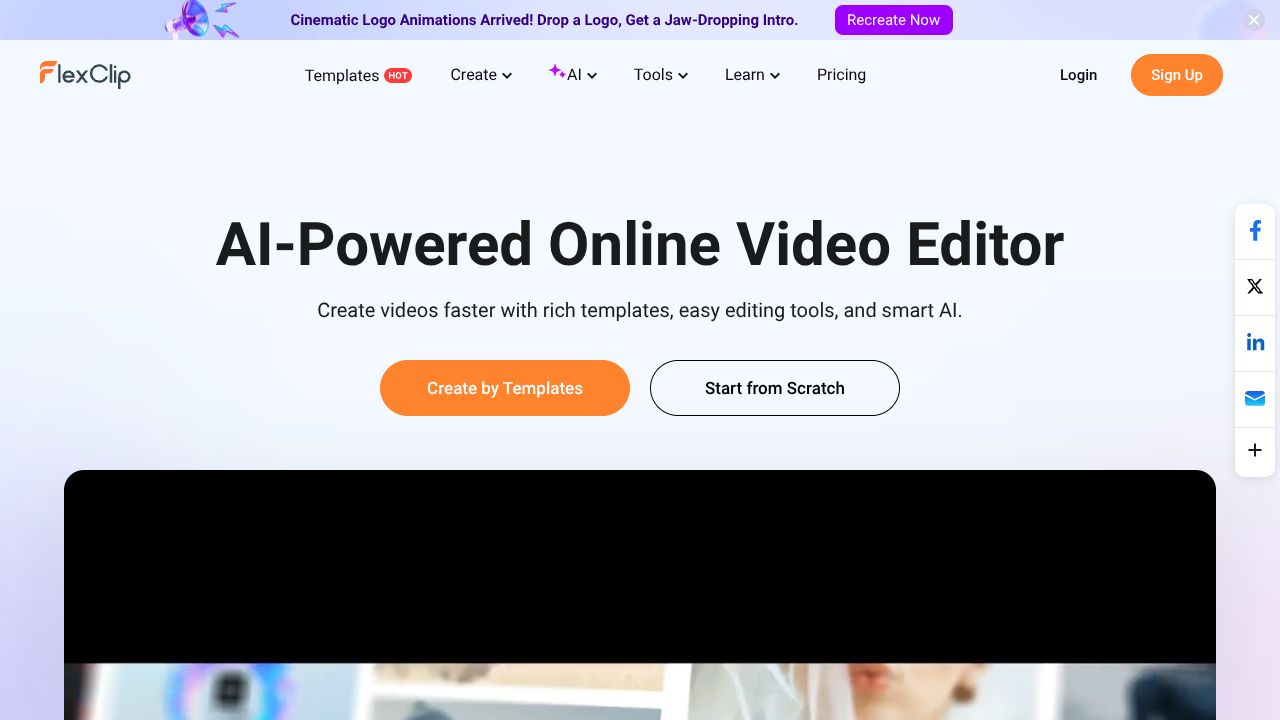
In the next five minutes, you’ll see how to convert marketing backlogs into publish-ready video without adding headcount. FlexClip is a browser-based AI video editor with text-to-video, auto-subtitles, templates, stock media, and 4K export. Why it matters: it puts credible video output in the hands of non-specialists. Bottom line: for under $10/seat per month, you can operationalize short-form video at scale and reserve pro teams for high-stakes content.
The Business Case
In my 15 years advising enterprises on content operations, the most reliable ROI lever has been empowering “citizen creators” without overwhelming creative ops. FlexClip’s proposition is exactly that: a fully online, no-learning-curve editor that turns scripts or prompts into usable videos with auto-subtitles and on-brand templates. The strategic gain isn’t the feature list—it’s cycle time. Moving from a three-to-seven-day agency turnaround to same-day in-house output frees budget and accelerates experiments in social, lifecycle, and internal comms.
At $9.99/month for Plus (with a free tier for evaluation), FlexClip sits at the low end of SaaS spend while enabling 4K export—good enough for most digital channels. Expect payback in weeks if you’re currently outsourcing simple promo cuts, product explainers, or social variants. Competitive moat: teams that publish more, learn faster. In markets where attention cycles are shrinking, the organization that can A/B 10 variants this week will outrun the one that waits for a single polished asset next month.
Key Strategic Benefits
-
Operational Efficiency: FlexClip consolidates script-to-video, captioning, and simple effects in one online surface, eliminating handoffs between tools. Non-editors can produce acceptable outputs in hours, not days, reducing creative ops bottlenecks.
-
Cost Impact: Replacing basic agency edits ($150–$500 per short asset) with in-house creation can shift tens of thousands annually back into media or experimentation. The low per-seat cost enables wider enablement without budget friction.
-
Scalability: Templates and stock media make it straightforward to standardize brand elements and clone variants for markets or campaigns. Because it’s browser-based, rollout is fast—no complex installs, minimal IT lift.
-
Risk Factors: As with any beginner-friendly tool, governance matters—define brand kits, approval flows, and usage limits to avoid off-brand content. FlexClip isn’t a pro NLE; expect constraints on advanced compositing, multi-track complexity, and enterprise integrations.
Implementation Considerations
You can pilot FlexClip in two weeks with a tight scope: social promos, product updates, internal announcements. Assign a content ops lead, a brand owner to lock templates/colors/fonts, and 5–10 “citizen creators” from marketing, CX, and sales enablement. Create a 60–90 minute enablement session and a 1-page guide covering naming conventions, subtitle standards, and review checkpoints.
Integration is lightweight: store brand assets in your DAM/Drive and import as needed; exports can route back to DAM or directly to social schedulers. If you require SSO or data residency guarantees, perform a security review upfront—browser-based editors often have limited enterprise controls. Establish KPIs before kickoff: turnaround time per asset, cost per asset, content velocity (assets per week), and downstream impact (CTR, watch time). Cap the pilot at 30 days with a decision gate for scale-up, role definitions, and budget lock.
Competitive Landscape
FlexClip competes in the “simple, online video editor” lane. Compared to Canva Video (https://www.canva.com/video/), FlexClip is similarly approachable but often faster from prompt to output for basics; Canva wins on broader design ecosystem. CapCut (https://www.capcut.com/) offers stronger effects and mobile-native editing; it’s great for creator-led social but can be heavier to govern in enterprise. VEED (https://www.veed.io/) and InVideo (https://invideo.io/) provide comparable browser-first experiences with robust subtitle tooling; pricing is typically higher at scale. Adobe Express (https://www.adobe.com/express/) benefits from Adobe brand alignment and better asset continuity if you also run Creative Cloud. Descript (https://www.descript.com/) is more powerful for screen/audio and doc-style edits but has a steeper learning curve for non-editors.
What others won’t tell you: the winner isn’t the “most features”—it’s the tool your non-specialists actually use weekly. FlexClip’s no-friction UX and 4K export at its price point make it a pragmatic default for high-volume, low-complexity assets.
Recommendation
Adopt FlexClip as your entry-level AI video layer. Run a 30-day pilot targeting 50–100 assets across marketing and internal comms. Put brand kits and a two-step review in place; prohibit sensitive data in uploads pending security review. Measure cycle time, cost per asset, and performance lift from variant testing. If KPIs clear thresholds, standardize FlexClip for citizen creators, reserve pro editors for tier-1 content, and negotiate annual pricing. Start here: https://www.flexclip.com